
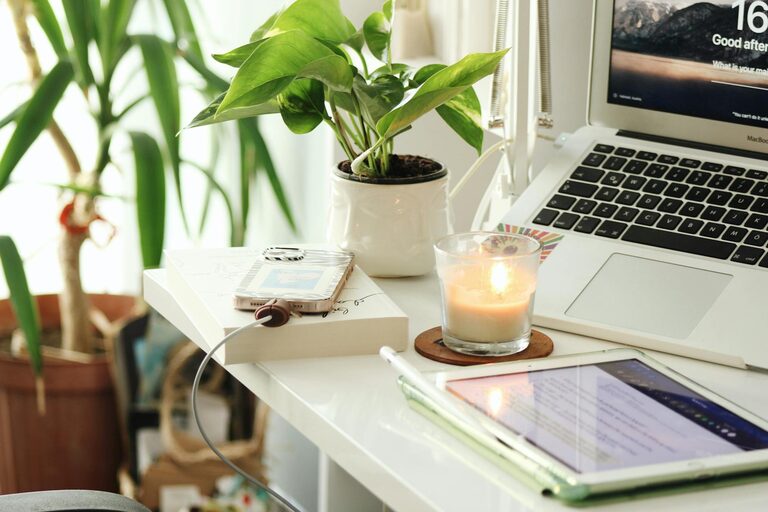
Creating a productive home workspace is essential for anyone working remotely or managing tasks at home. A well-designed workspace can improve focus, reduce distractions, and enhance comfort, ultimately helping you get more done in less time. Whether you have a dedicated room or a small nook, these tips will help you set up an environment where productivity can thrive.
Choose the Right Location
Finding the perfect spot for your home workspace is the first step toward productivity.
– Quiet and Private: Select an area away from high-traffic zones to minimize noise and interruptions.
– Natural Light: Position your desk near a window if possible to benefit from natural daylight. It improves mood and reduces eye strain.
– Ventilation: Good airflow is important—avoid cramped areas that feel stuffy or overheated.
If space is limited, consider flexible options like a foldable desk or a corner workstation.
Invest in Comfortable and Functional Furniture
Comfort can directly impact how long and how effectively you work.
– Ergonomic Chair: Choose a chair that supports your lower back and allows your feet to rest flat on the floor.
– Appropriate Desk Height: Your desk should be at a height where your arms rest comfortably at a 90-degree angle while typing.
– Adjustable Furniture: If possible, use adjustable desks or chairs to customize the setup to your body and preferences.
– Storage Solutions: Include shelves, file organizers, or drawers to keep supplies and documents orderly and within reach.
Organize Your Space Efficiently
Clutter can hinder productivity by creating distractions and stress.
– Declutter Regularly: Remove unnecessary items and keep only what you use daily at arm’s length.
– Use Cable Management: Organize cords and chargers with clips or cable sleeves to avoid tangles.
– Desk Accessories: Utilize trays, pen holders, or drawer dividers to keep small items orderly.
– Digital Organization: Maintain digital files and emails to complement your physical orderliness, making work smoother.
Optimize Lighting
Good lighting is crucial to reducing eye strain and maintaining focus.
– Balanced Lighting: Combine natural light with task lighting such as a desk lamp to illuminate your work area properly.
– Avoid Glare: Position screens to avoid sunlight reflecting on them.
– Adjust Brightness: Use adjustable lamps or smart bulbs to tailor lighting for different times of the day.
Minimize Distractions
A distraction-free environment helps maintain concentration.
– Limit Noise: Use noise-canceling headphones or white noise machines if ambient noises are unavoidable.
– Turn Off Notifications: Disable non-essential notifications on your phone and computer during work hours.
– Use Visual Barriers: Screens or room dividers can help create a psychological boundary between work and home life.
Personalize Your Workspace
Adding a bit of personality can make your area inviting without causing distractions.
– Plants: Small indoor plants improve air quality and can boost mood.
– Artwork: Simple, inspiring art or photos add character.
– Color Choices: Soft, soothing colors promote calm and focus.
Set a Routine and Boundaries
Your workspace works best when paired with good habits.
– Work Hours: Define clear start and end times to avoid overworking.
– Breaks: Take regular short breaks to stretch and rest your eyes.
– No Work Zones: Avoid working in relaxing spaces like your bedroom or couch to separate work from downtime.
Technology Essentials
Reliable technology helps maintain flow throughout your workday.
– High-Speed Internet: A fast, stable connection is a must for most remote work.
– Quality Equipment: Invest in a good keyboard, mouse, and headset.
– Backup Power: Consider a surge protector or an uninterruptible power supply (UPS) for important devices.
Regularly Refresh Your Setup
Your needs may change over time, so update your workspace accordingly.
– Reassess comfort and convenience every few months.
– Upgrade or replace worn-out equipment.
– Experiment with layout to find what feels best.
—
By taking these steps, you can create a home workspace that encourages productivity and well-being. Remember, the most effective workspace is one that suits your unique needs and helps you feel comfortable and focused throughout the day.